Interactive Sliding Rail Screens & Motorised Display Walls
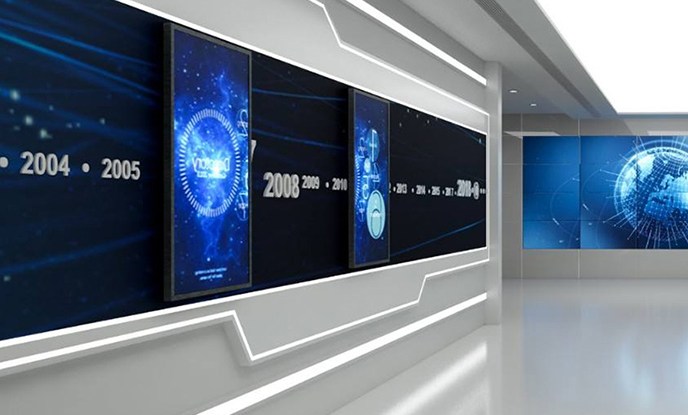
The screen can be pushed by hand or driven by a quiet motor. Position sensors switch the content as the panel passes each point on the wall, so a long static graphic becomes a sequence of interactive chapters.
5 configurations
All product families →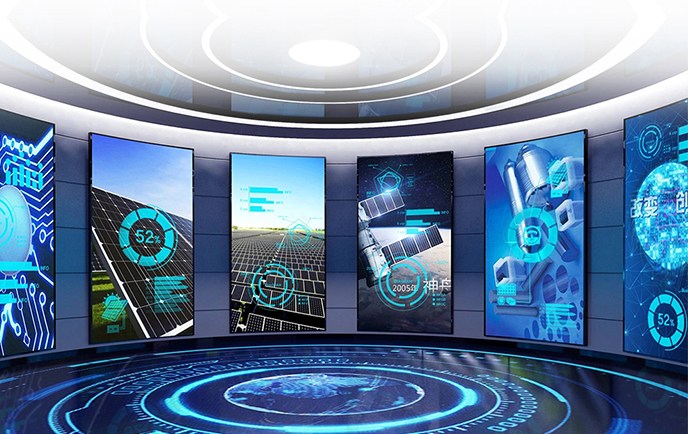 LV-R43
Motorised Rail Displays
43 inch Interactive Sliding Rail Screen
- Size43 inch
- ResolutionFull HD
- Viewing178°
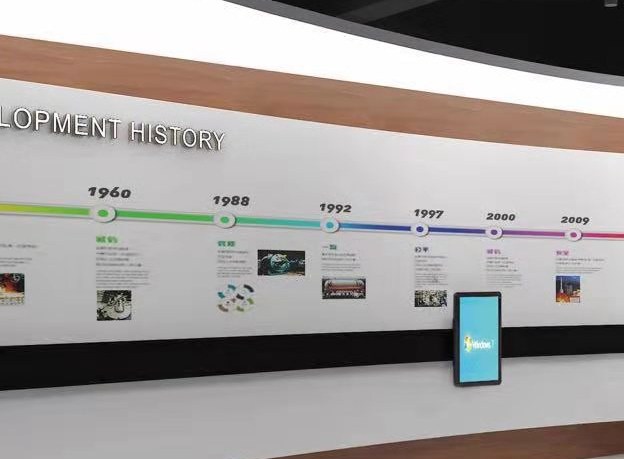 LV-R55
Motorised Rail Displays
55 inch Motorised Sliding Display
- Size55 inch
- Resolution4K UHD
- Viewing178°
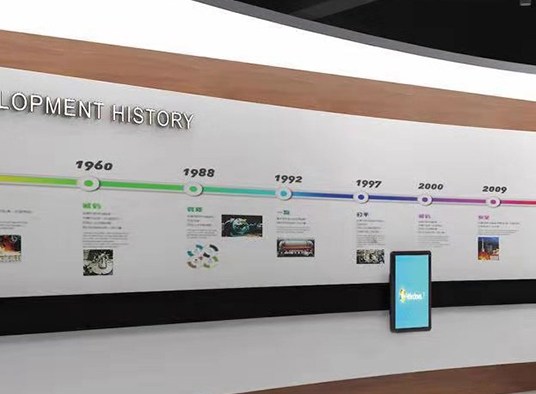 LV-R65
Motorised Rail Displays
65 inch Sliding Touch Screen Wall
- Size65 inch
- Resolution4K UHD
- Viewing178°
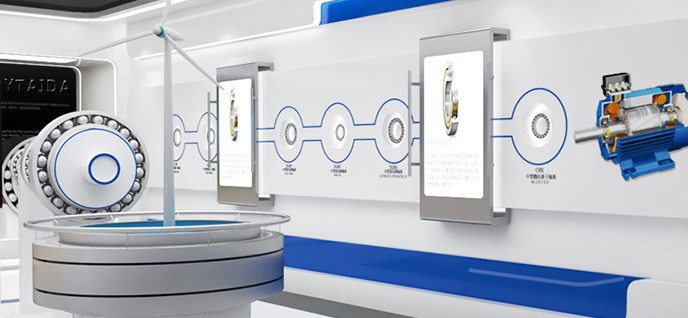 LV-RD
Motorised Rail Displays
Dual Linked Rail Screen System
- Size55 inch
- Resolution4K UHD
- Viewing178°
 LV-RC
Motorised Rail Displays
Curved Rail Screen Wall
- Size55 inch
- Resolution4K UHD
- Viewing178°
TO ORDER
Custom configuration
Need a size, finish or track length that is not in the catalogue?
Discuss your space →TO ORDER
Compare the families
Hologram, rail or transparent: see which format fits the room.
Compare all displays →TO ORDER
Layout proposal
Send the floor plan and we will return a drawing and specification.
Request a drawing →What is a interactive sliding rail screen?
An interactive sliding rail screen moves a display along a horizontal track and triggers content by position. Lumivue supplies motorised sliding display systems, sliding touch screen walls, timeline walls and linked multi-screen rails for corporate showrooms, museums and property galleries.
Key features
- Manual or motorised carriage with soft-start / soft-stop motion control
- Position-triggered playback using magnetic or optical markers along the rail
- 43", 55" and 65" 4K panels, portrait or landscape, single or dual linked screens
- Straight, curved and ceiling-mounted track layouts with concealed cabling
- IR or capacitive touch overlay for query, zoom and timeline navigation
- Content management for stills, video, HTML5 and triggered animation
Typical applications
- Museum and corporate timeline walls
- Product comparison walls in showrooms
- Property masterplan and development galleries
- Exhibition booths and visitor centres
Specifications on the individual product pages are indicative and configurable; final values are confirmed in the layout drawing for your project.
Configure a interactive sliding rail screen
Share the space, the product family and the viewing goal. We will come back with a configuration, indicative specification and a layout proposal.
Common questions
Notes on interactive sliding rail screens selection and integration.
01How long can a sliding rail be?
Track length is engineered to the wall: single runs of 3–12 m are common, and longer or curved layouts are built in sections. Final length, carriage weight and fixing details are confirmed in the layout drawing.
02What happens when the screen reaches a trigger point?
A marker on the rail tells the player which asset to show. The panel can pause, play a video, open a touch query or hand off to a second linked screen.
03Can sizes, finishes and touch options be customised?
Yes. Panel size, cabinet dimensions, frame colour, glass, touch overlay, media player and mounting are configured per project. Send the available space and the display goal and we will return a layout proposal.
04Do you produce the 3D hologram content?
We supply content templates, a production guide and the correct loop format for the chosen pyramid. Full bespoke 3D animation can be scoped separately.
05What is a typical lead time?
It depends on the configuration and the project schedule. Standard configurations are assembled from stocked modules; custom cabinet sizes, curved rails and tiled transparent panels need an engineering drawing first. Ask for a current schedule with your enquiry.